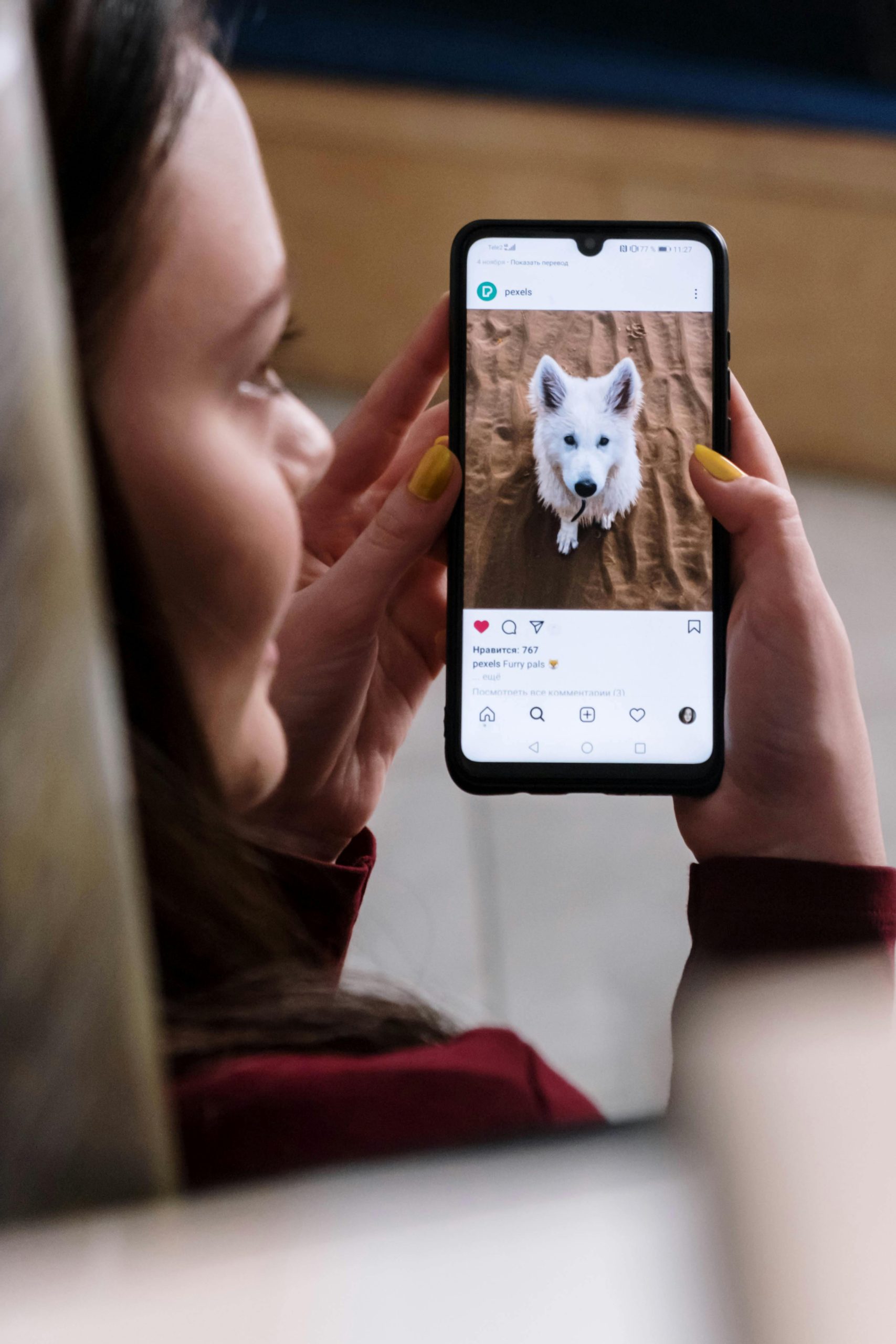
Instagram’s constantly evolving features can sometimes make it challenging to locate specific functions. Many users find themselves wondering how to revisit posts they’ve previously liked. This guide will help you navigate the process of viewing your liked content on Instagram.
You can view up to 300 of your most recent liked posts on Instagram through its built-in features. Here’s how to access them and review the posts you’ve interacted with.
1. Navigate to Your Profile and Open the Menu
To begin, open the Instagram app on your mobile device and tap the profile icon in the bottom right corner to go to your profile page.
Next, tap the hamburger menu (three horizontal lines) in the top right corner to open the list of options.
From this menu, you can access various Instagram features, including the ability to view your liked posts. If you’re unable to find these options, make sure your app is updated to the latest version.
2. Select “Your Activity”
After opening the menu, look for the “Your Activity” option. This section contains insights about your Instagram usage and interactions. Tap on it to proceed.
3. Tap on “Interactions”
Once you’re in the “Your Activity” section, scroll down and find the “Interactions” category. Tap on it to see different types of engagement, such as comments, replies, and likes.
The “Likes” option is where you’ll find the posts you’ve liked. Tap it to access your liked posts, which are typically displayed in reverse chronological order.
4. Choose “Likes” from the Menu
After tapping “Interactions,” you’ll be shown a list of interaction types. Select “Likes” to see a grid of all the posts you’ve liked. The most recent posts will appear at the top, and you can scroll down to see older liked content.
Keep in mind that Instagram only displays your most recent 300 likes. Older posts might not appear if you’ve liked more than that.
5. Scroll Through Your Liked Posts
Once you’ve accessed your liked posts, you can browse through them chronologically. Tap on any post to open it in full view and interact with it (e.g., comment, share, or unlike).
You can scroll up and down to find posts from various time periods. If you’re looking for an older post, you might need to scroll through many posts to find it.
6. Use the Search Bar for Specific Posts
If you’re looking for a specific post you’ve liked, use the search bar to find it more efficiently. Tap the magnifying glass icon, and type in keywords such as a username, hashtag, or location.
While Instagram doesn’t filter search results by liked posts, this method can help you find posts related to the topic you’re searching for. Once you find posts related to the content you’re looking for, you can check if you’ve liked them.
7. Filter Likes by Date Range
To make finding posts easier, Instagram allows you to filter your liked posts by specific date ranges. Here’s how:
- Go to your profile, tap the hamburger menu, and select “Your Activity.”
- Tap “Interactions” and then “Likes.”
- At the top of the page, tap “Sort & Filter.”
- Choose a date range to narrow down the posts you’ve liked during a specific time frame.
This feature is great for revisiting posts from events or holidays.
8. Discover Saved Collections via Search
Instagram also lets you organize your liked posts into collections. To find specific saved collections:
- Open your profile and tap the menu icon.
- Select “Saved” to view your collections.
- Use the search bar at the top of the page to find a specific collection.
This method is useful if you’ve created multiple collections based on themes or interests.
9. Sort by Most Recent
Instagram’s default sorting shows the most recent liked posts first. If you want to ensure you’re viewing the latest content:
- Open the Likes section under “Your Activity.”
- Tap “Sort & Filter” at the top and select “Most Recent”.
10. Review Like History Regularly
Periodically checking your liked posts can help you:
- Rediscover content you enjoyed.
- Analyze your engagement patterns and preferences.
- Curate your feed to show more of what you like.
Making a habit of reviewing your like history can also ensure your interactions align with your current interests and values.
Understanding Instagram’s Liked Posts
The “Liked Posts” feature allows you to revisit and interact with content you’ve enjoyed. Here’s why tracking your liked posts is useful:
- Content Discovery: It helps you find posts or creators you might want to follow.
- Privacy Considerations: Your liked posts are visible only to you, but they can be seen by others if your account is public. Review your privacy settings regularly to control who can see your interactions.
Additionally, Instagram’s algorithm uses your likes to personalize your feed. Reviewing your liked posts gives you better control over what you see in your feed.
Using Instagram on a Web Browser
If you prefer accessing your liked posts through a browser, follow these steps:
- Log in to Instagram on your browser.
- Click your profile picture in the top-right corner.
- Select “Settings”, then “Accounts Center”.
- Choose “Your Information and Permissions”.
- Click “Download Your Information”, select “Likes”, and request a download.
This will allow you to download a file containing your liked posts, which you can view later.
Managing and Organizing Liked Posts
To help you keep track of liked posts, Instagram offers tools for organizing and managing your content.
Creating Collections
- Go to your profile and tap “Saved.”
- Tap the “+” button to create a new collection, name it, and add posts to it.
This is useful for organizing content into categories like inspiration or future plans.
Archiving Posts
You can also archive posts to remove them from your profile without deleting them. To do this:
- Tap the three dots above a post.
- Select “Archive”.
Access your archived posts by going to your profile settings and tapping “Archive.”
By using these tools and features, you can easily manage your liked posts, revisit content you love, and keep your Instagram experience organized and personalized.
Leave a Reply