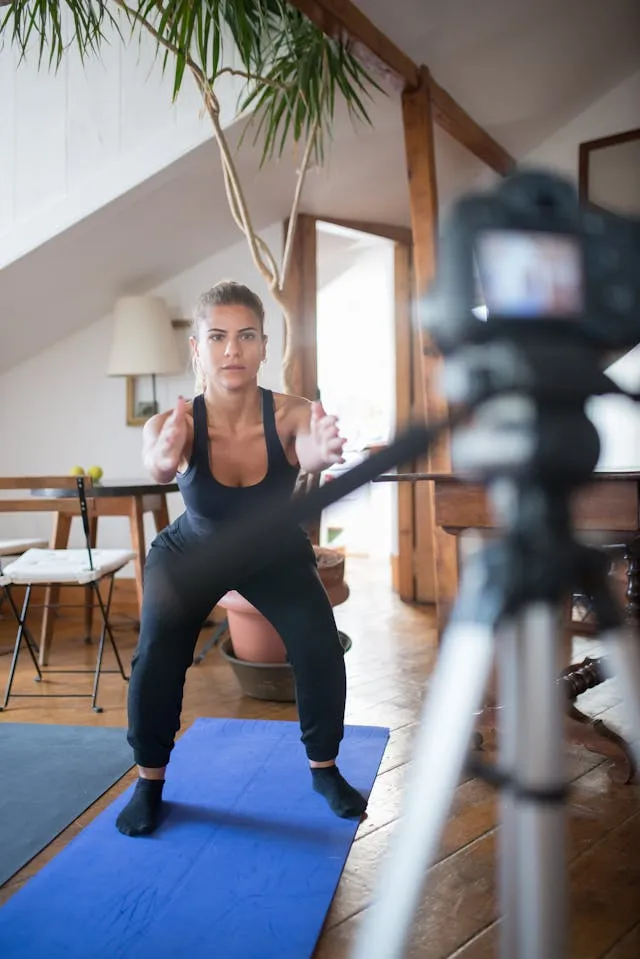
If you create content for TikTok, then you likely want to expand the reach it gets as much as possible. That means sharing and posting your TikTok videos onto other platforms like Instagram.
Whether you want to show off exclusive behind-the-scenes footage, share a challenge video, give a tutorial, or something else, you can significantly boost the reach your content gets by sharing your TikTok videos onto IG.
We will go over how to post TikTok on Instagram so that you can start gaining greater visibility on your videos. You will find that it is easier than you may realize.
Benefits of Posting TikToks on Instagram
There are many benefits to you repurposing your TikTok videos as Instagram videos. These include:
- Instagram videos have the same dimensions as TikTok videos
- Save time by not needing to create new content
- Reach new and different viewers and fans who may be on one platform but not another
- Receive more views on your content
- Get more traffic to your account and website
How to Post TikTok on Instagram – Preparation
When it comes to posting TikTok videos on Instagram, you can post them either as a Post, Reel, or Story.
Before you start posting your TikToks to Instagram, you will need to make sure your TikTok account is ready to do so. To get started, do the following:
- Open the TikTok app on your phone
- Tap on your profile icon in the bottom-right of the screen
- Tap on the three dots in the top-right of the screen
- Head to Settings and Privacy and tap on Instagram
- Tap on Share Profile To
- Tap on Instagram
- Log into your Instagram account from here by inputting your username and password
After you have followed these steps, you will have completed the link between your IG account and your TikTok account.
Note: Linking your Instagram to your TikTok account also has the added benefit of others finding you more easily and vice versa.
How to Post TikTok on Instagram
After your IG and TikTok accounts are linked together, you can move onto being able to post your TikToks onto Instagram. Take the following steps to do so:
- Find the TikTok video you would like to share onto Instagram, either from your profile or use the search field
- Once you found the video, tap on the Share button in the bottom-right of the video
- Tap on Instagram or tap on More if you do not see it right away
- Select whether you want to have your TikTok video shared either to Stories or Feed
- After getting sent to Instagram, include a caption if the video is going to your Feed, as well as any relevant hashtags
Note: Make sure you have your TikTok account public. Otherwise, you will be unable to share your videos to Instagram for everyone.
How to Post a TikTok Video in an Instagram Carousel
Some creators have found it helps to add a TikTok video into their Instagram photo carousel posts. This is especially true for meme accounts. You can replicate the success they enjoy by following a similar approach.
Here is what you can do if you want to post your TikToks within Instagram carousel posts:
- Open the TikTok app on your phone
- Find the TikTok video you want to share to an Instagram carousel and tap on Share
- Tap on Save Video
- Open the Instagram app
- Tap on the + icon
- Tap on Post to create a carousel post
- Put together the photos you want to add to the post
- Upload the TikTok video you saved to your phone and insert it into the photo dump
That’s all there is to it. Now you can create hybrid posts on Instagram where you have both photos and the TikTok videos you want to share to a wider audience.
Conclusion
Your TikTok content can enjoy greater visibility if you share it onto Instagram. With our guide, you now have the understanding of how to do this and get your content out in front of more eyes. You have nothing to lose from sharing your TikTok videos on more platforms, but a whole lot to gain.
Leave a Reply