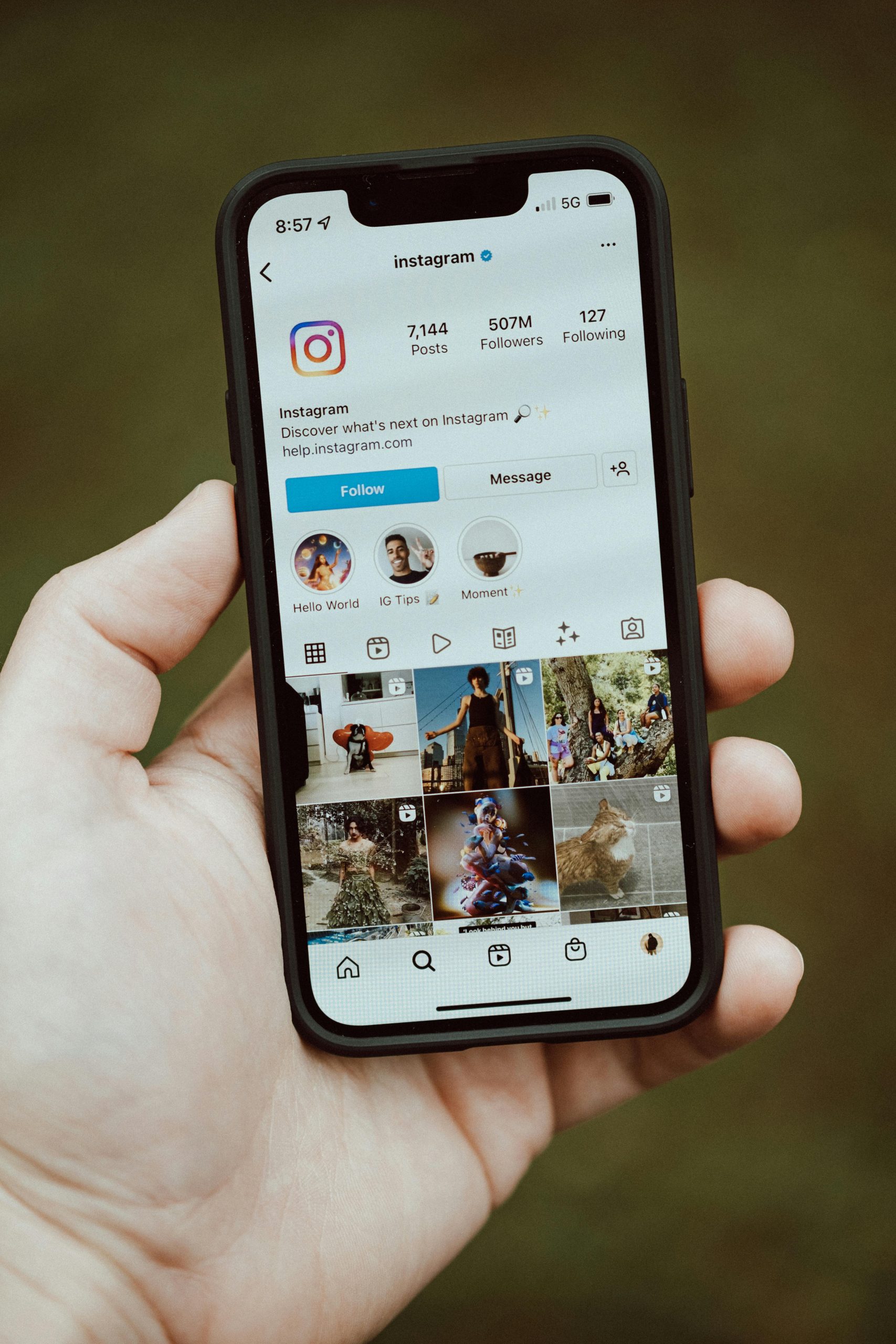
Taking a screenshot of an interesting Instagram post, story, or direct message (DM) is an easy way to save content for later viewing. But will the user whose content you’ve captured be notified?
Instagram’s Screenshot Notification Policy
Currently, Instagram only notifies users when someone takes a screenshot of a disappearing DM. For most other types of content, Instagram does not send notifications. However, Instagram periodically changes its policies regarding screenshot notifications, so it’s always a good idea to check the latest updates.
If you want to test Instagram’s current screenshot notification policies, you’ll need two Instagram accounts:
- Create content (posts, stories, permanent DMs, disappearing DMs) on one account.
- Take screenshots of these content types using the second account.
- Check the first account to see which screenshots triggered notifications.
Regularly testing Instagram’s screenshot policy is the only way to ensure you’re up-to-date with the platform’s rules.
When Does Instagram Notify Users About Screenshots?
As of now, Instagram does not notify users when someone takes a screenshot of the following types of content:
- A post
- A bio
- A reel
- A story
- A profile picture
However, direct messages (DMs) have a different policy, which adds a layer of complexity.
Instagram’s Direct Message Screenshot Policies
Instagram offers two types of DMs, each with different rules regarding screenshot notifications:
1. Permanent DMs
Permanent DMs are the default option and remain on the platform indefinitely. Users can revisit them at any time, even years later. This applies to text, photos, and videos. If someone takes a screenshot of a permanent DM, Instagram does not notify the sender.
2. Disappearing DMs
Disappearing DMs offer more privacy and are often used to share sensitive content. These messages can be set to be viewed only once or multiple times. If a recipient takes a screenshot of a disappearing DM, the sender will receive a notification.
How Are Users Notified When a Disappearing DM Is Screenshotted?
When someone takes a screenshot of a disappearing DM, Instagram displays a circular icon with slanted lines (resembling rays coming from a circle) on the right side of the captured content.
It’s important to note that some platforms use similar icons for messages that are still loading, which might cause users to overlook the fact that a screenshot was taken.
How to Bypass Instagram’s Screenshot Notifications
If you want to prevent Instagram from notifying the sender when you take a screenshot of a disappearing DM, there are a few methods you can try:
1. Enable Airplane Mode First
By putting your phone in airplane mode before taking a screenshot, you disable wireless functions, preventing Instagram from detecting the screenshot. Make sure to completely exit the app before turning off airplane mode, so it doesn’t sync the screenshot and notify the sender.
2. Use Instagram on a Web Browser
Instagram does not notify users about screenshots taken on a computer. If you need to screenshot a disappearing DM discreetly, you can use Instagram’s web version. Here’s how to take a screenshot on different devices:
- Mac: Press [Command] + [Shift] + “4”
- Windows: Press [Win] + [Print Screen]
- Linux: Press the “Print Screen” button or use the “Take Screenshot” app.
3. Use Another Device
If you don’t mind the old-school approach, you can use a different device, like a camera or another phone, to capture the screen. Since Instagram won’t be able to detect this, the sender won’t be notified.
Final Thoughts: Does Instagram Send Screenshot Notifications?
In summary, Instagram notifies users when a disappearing DM is screenshotted, showing a circular icon with slanted lines. There are several ways to bypass this notification, and the easiest method is to use Instagram’s web version.
If you’re concerned about privacy — especially when it comes to sensitive messages — it’s important to remember that screenshot notifications can always be bypassed. Not sending sensitive messages is the only guaranteed way to prevent them from being shared.
Leave a Reply